REASONS

Why Use Handy Sliding Cart?

Explore the comprehensive list of features and compelling reasons to choose Handy Sliding Cart for your WooCommerce store.

01

Smooth Sliding Cart Sidebar

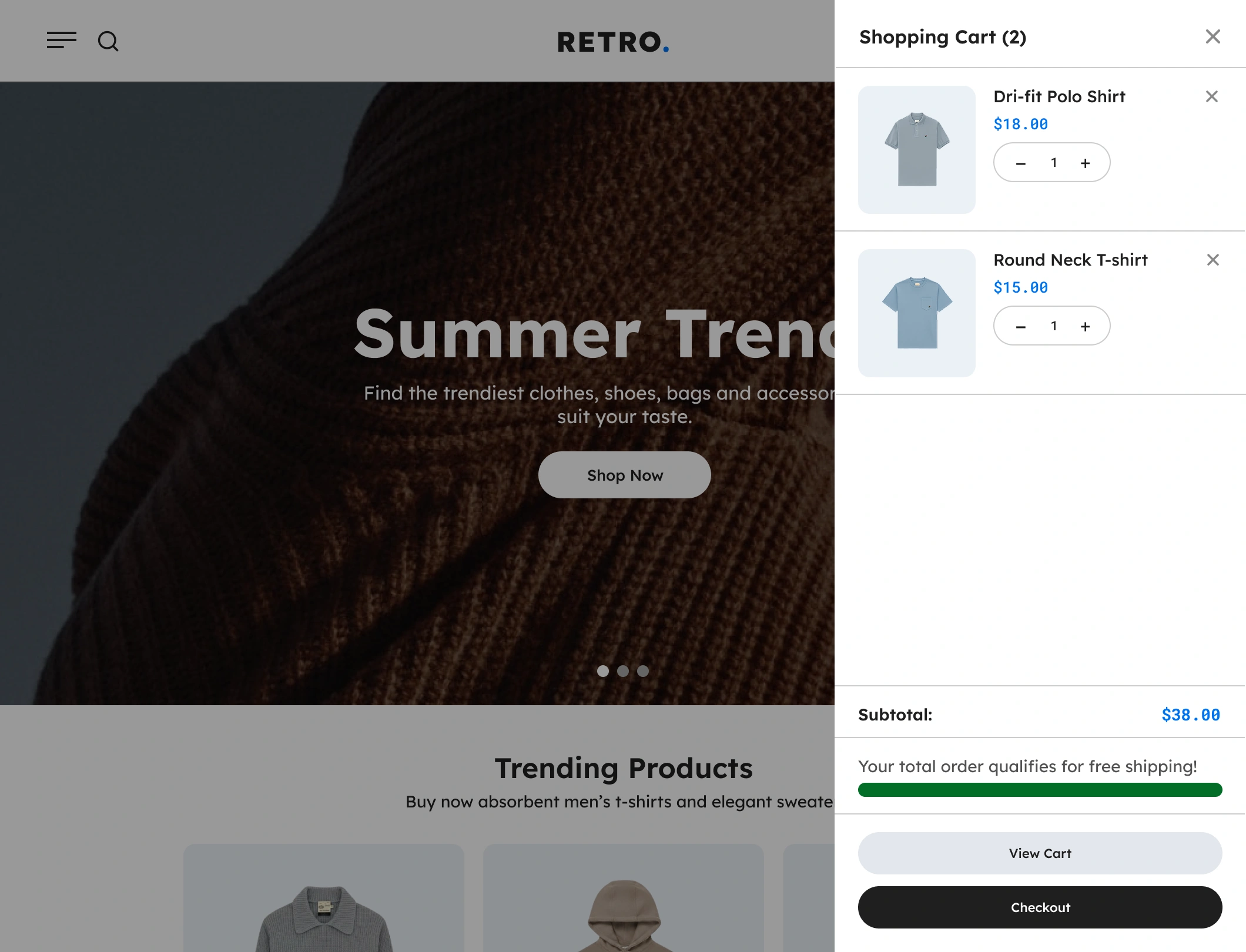
Opens a modern sliding cart panel from the side of the screen, giving customers instant access to their cart without leaving the page.

02

Real-Time Cart Updates

Automatically refreshes cart contents as customers add or remove items, ensuring an effortless and fully dynamic shopping experience.

03

One-Click Add & Remove

Allows shoppers to adjust quantities or remove products instantly, reducing friction and boosting checkout completion rates.

04

Sticky Cart Icon Trigger

Includes a floating cart icon that remains visible as customers browse, encouraging them to check their cart anytime.

05

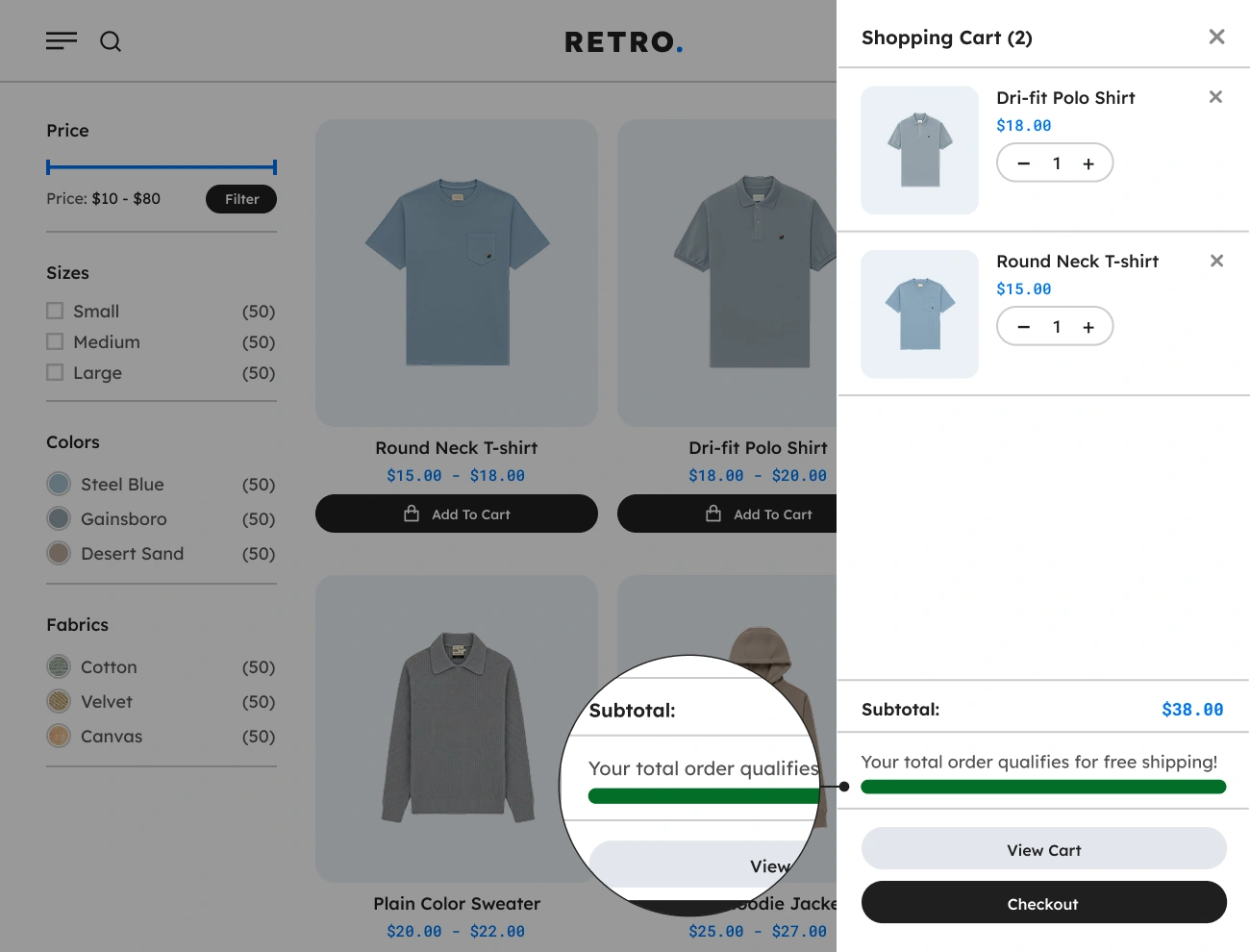
Free Shipping Progress Bar

Displays a dynamic progress bar inside the sliding cart that shows customers how close they are to unlocking free shipping.

06

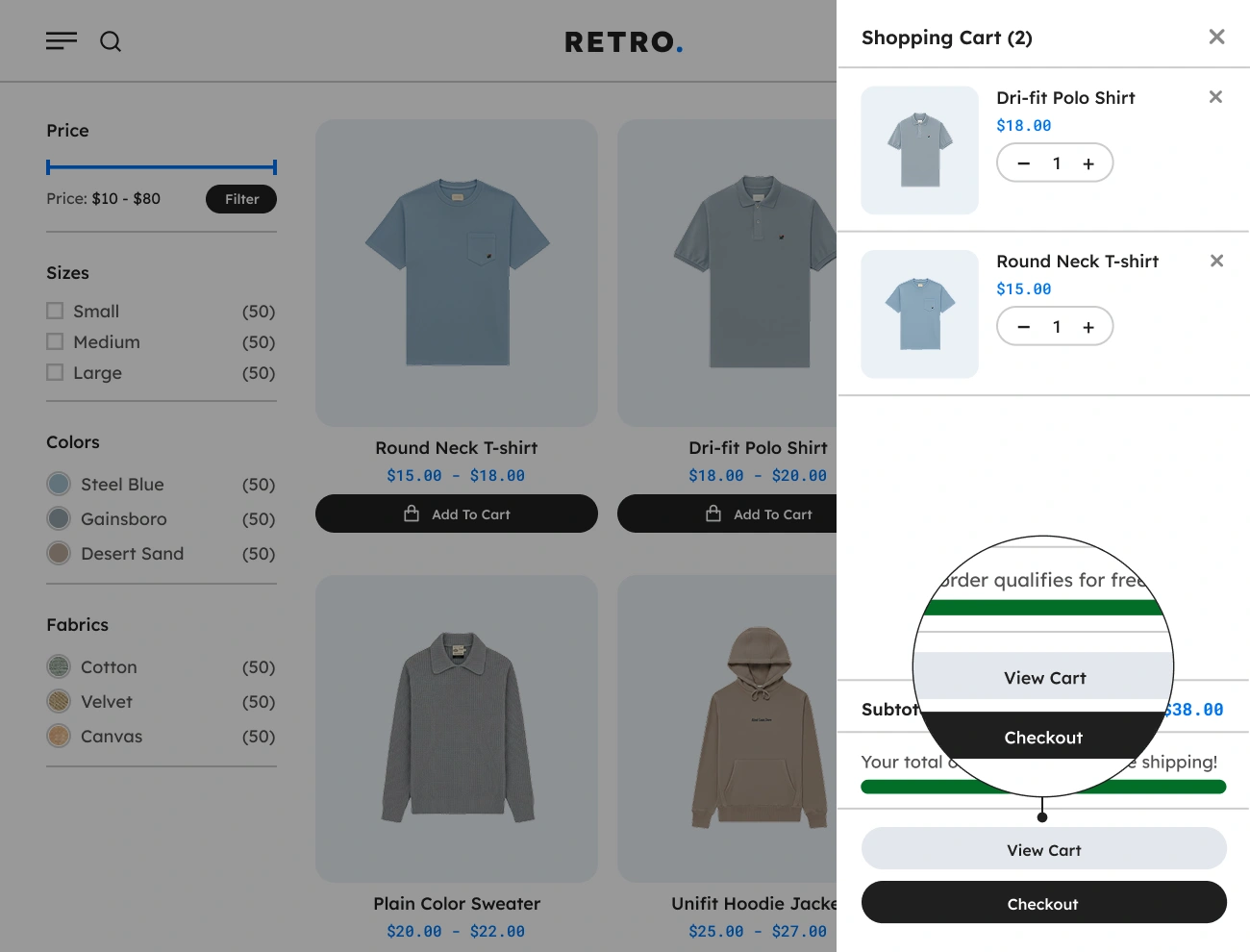
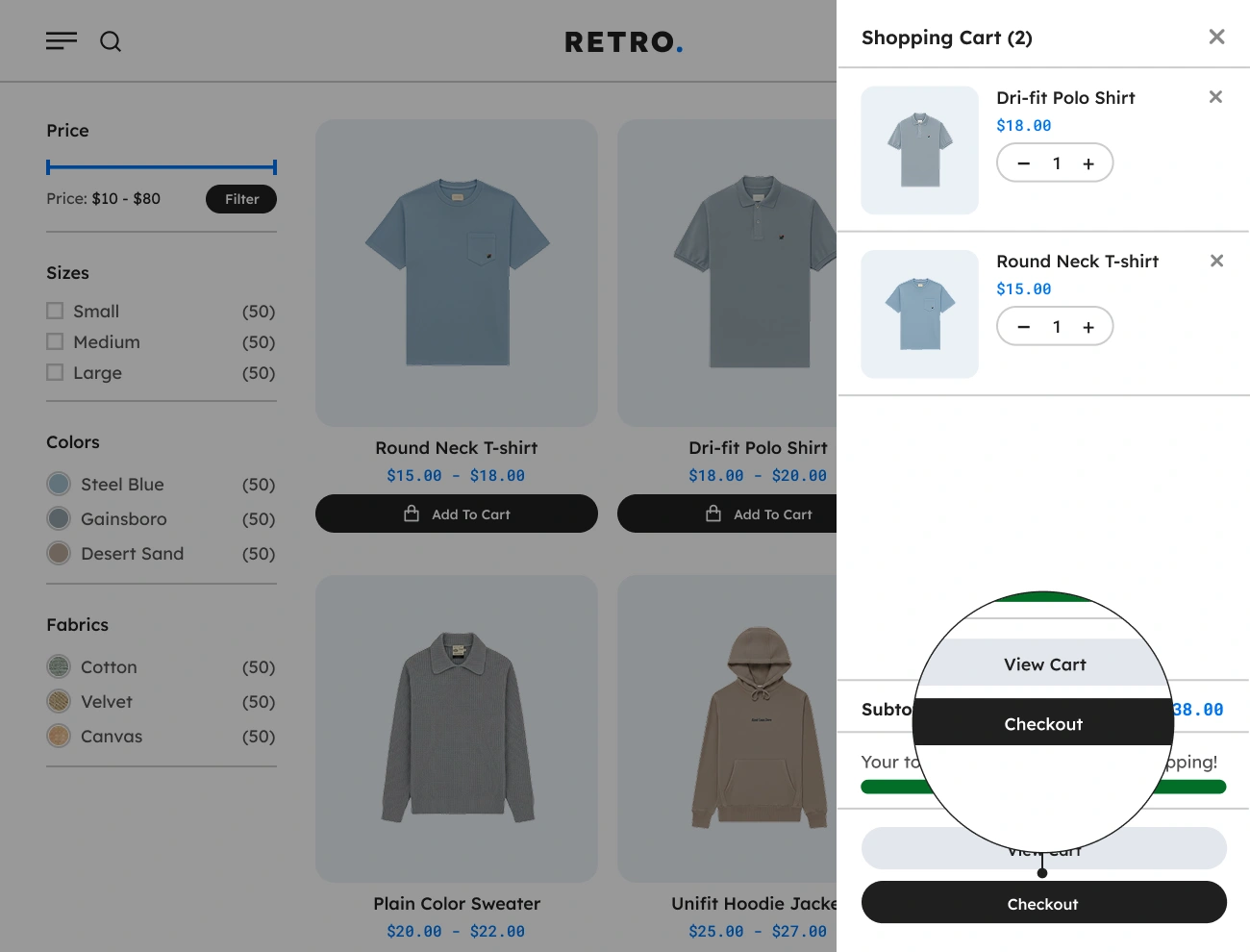
Checkout & View Cart Buttons

Includes customizable call-to-action buttons that guide users toward checkout, improving conversion and reducing abandonment.

07

AJAX-Powered Interactions

All cart actions happen instantly without page reloads, making shopping faster and dramatically improving user experience.

08

Mobile-Friendly Sliding

Optimized for all screen sizes, giving mobile shoppers the same fast, smooth sliding-cart experience as desktop users.

09

Customizable Cart Layout

Store owners can personalize the sliding panel’s style colors, spacing, typography so it blends perfectly with any WooCommerce theme.

FEATURES

Core Features & Functionalities

Discover the complete set of core features and powerful functionalities of Handy Sliding Cart, designed to enhance your WooCommerce stores.

Handy Sliding Cart For WooCommerce Supports Flexible Sidebar Cart

Supports Flexible Sidebar Cart

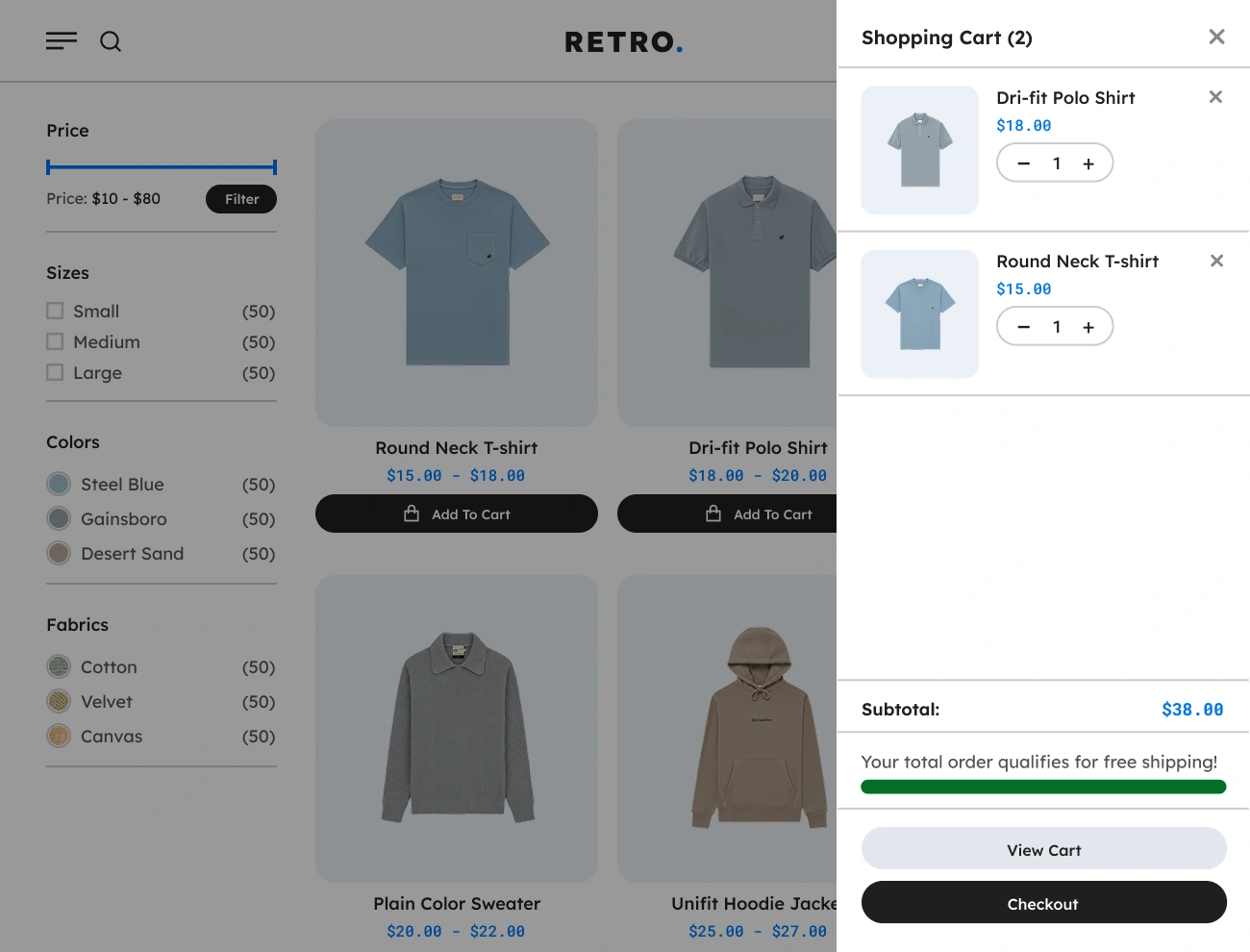
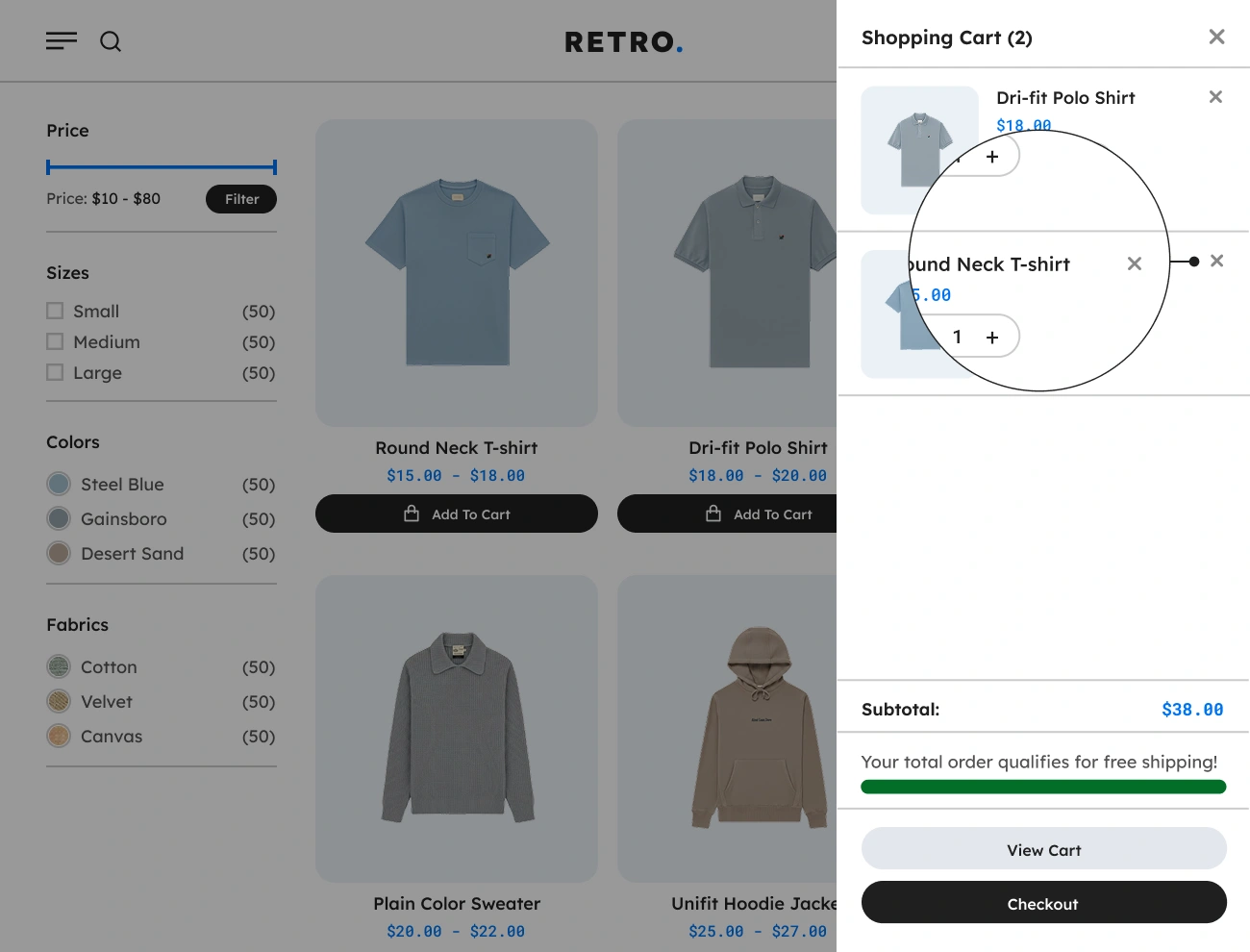
The main component of the Handy Sliding Cart for WooCommerce is the flexible sliding Sidebar Cart. This component will allow website visitors or customers to add, view, and delete products in the cart without going to the default WooCommerce cart page. This component is so helpful for your website visitors since they will be able to manage their cart without going to the cart page.
Handy Sliding Cart For WooCommerce Supports Product Quantity Input

Supports Product Quantity Input

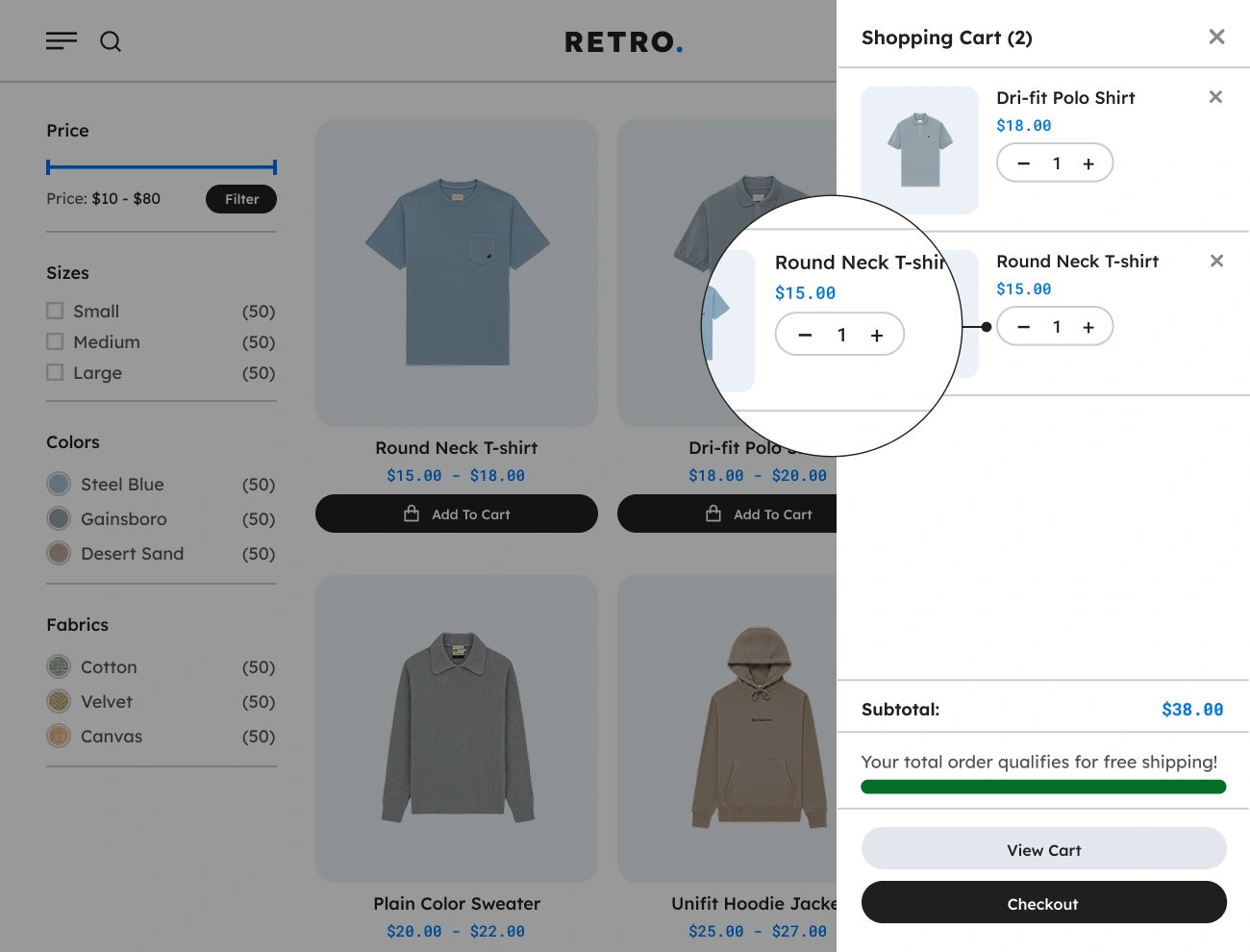
This plugin comes with a built-in Product Quantity Input component in the Sidebar Cart. This component provides a number input field and a decreament and increament button that will allow your website visitors or customers to modify the quantity of a certain product in their cart. Having this component will make updating the product’s quantity much easier.

Handy Sliding Cart For WooCommerce Supports Individual Product Deletion

Supports Individual Product Deletion

This plugin also allows website visitors or customers to remove a certain product from their cart. This will give your website visitors the ability to remove products from their cart that are unwanted and unnecessary. This option will help your website visitors manage their cart.

Handy Sliding Cart For WooCommerce Supports Free Shipping Meter Indicator

Supports Free Shipping Meter Indicator

This plugin comes with a feature that allows website visitors or customers to indicate whether the total amount in their cart is subjected to free shipping. This feature will provide a progress bar for website visitors that will visually indicate the free shipping progress in their cart. Having this feature will encourage website visitors to buy more in order to qualify for free shipping.

Handy Sliding Cart For WooCommerce Supports View Cart Button Link

Supports View Cart Button Link

This plugin also provides a View Cart Button Link in the sidebar cart. This button link will redirect website visitors or customers to the designated WooCoommerce cart page. This option will help your website visitors navigate to the cart page.

Handy Sliding Cart For WooCommerce Supports Checkout Button Link

Supports Checkout Button Link

This plugin comes with a Checkout Button Link in the Sidebar Cart. Once the checkout button link has been clicked, it will redirect the website visitors or customers to the default WooCoommerce checkout page. Having this button link is handful for your website visitors.

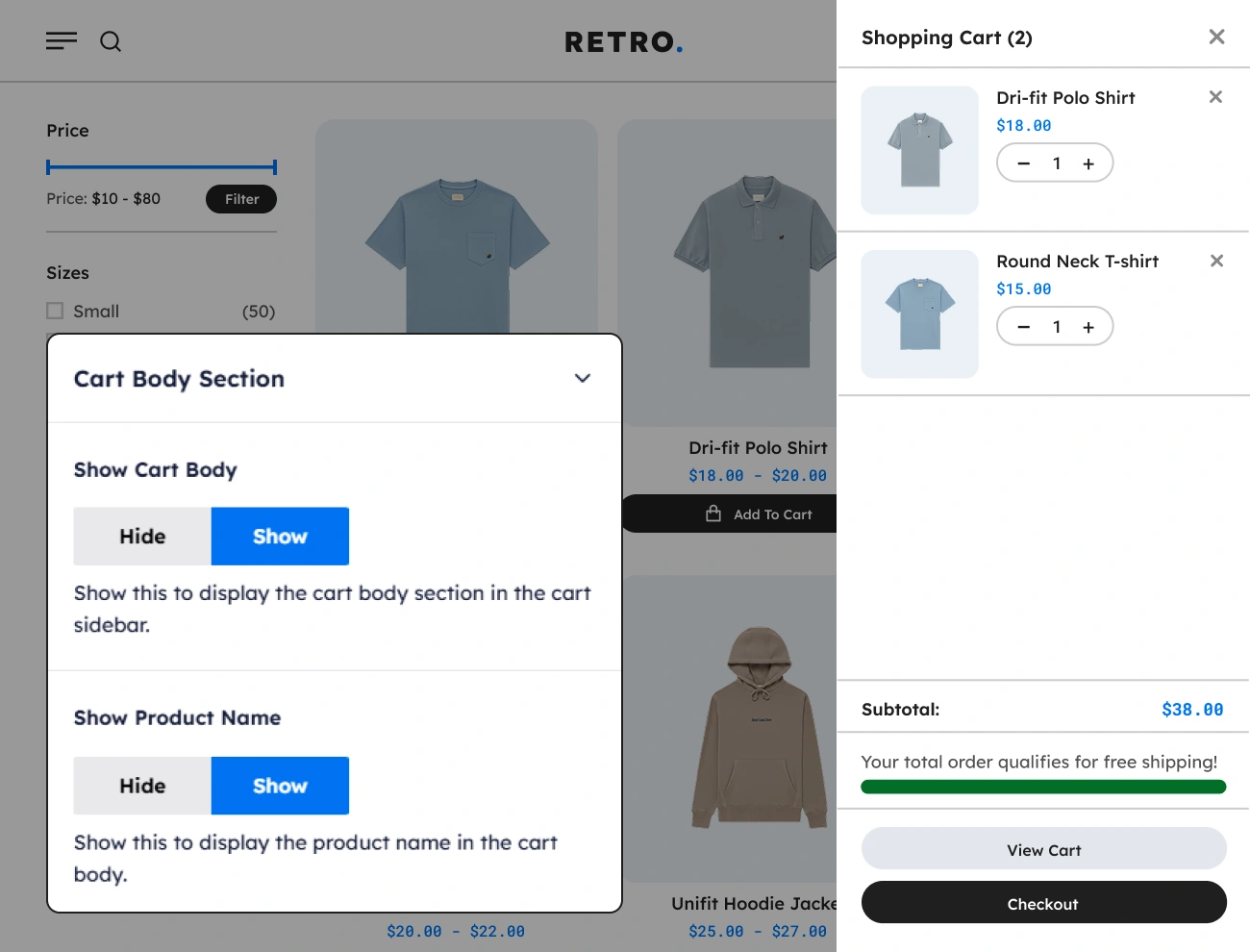
Handy Sliding Cart For WooCommerce Customizable Sidebar Cart Product Details To Display

Customizable Sidebar Cart Product Details To Display

This plugin also allows you to control the product details to be shown in the Sidebar Cart. This will allow you to fully control the product details that will be shown or hidden based on your preferences. Having this option is a huge advantage since you can control product details that you think are necessary to be shown to your target customers.

Handy Sliding Cart For WooCommerce Customizable Sidebar Cart Position

Customizable Sidebar Cart Position

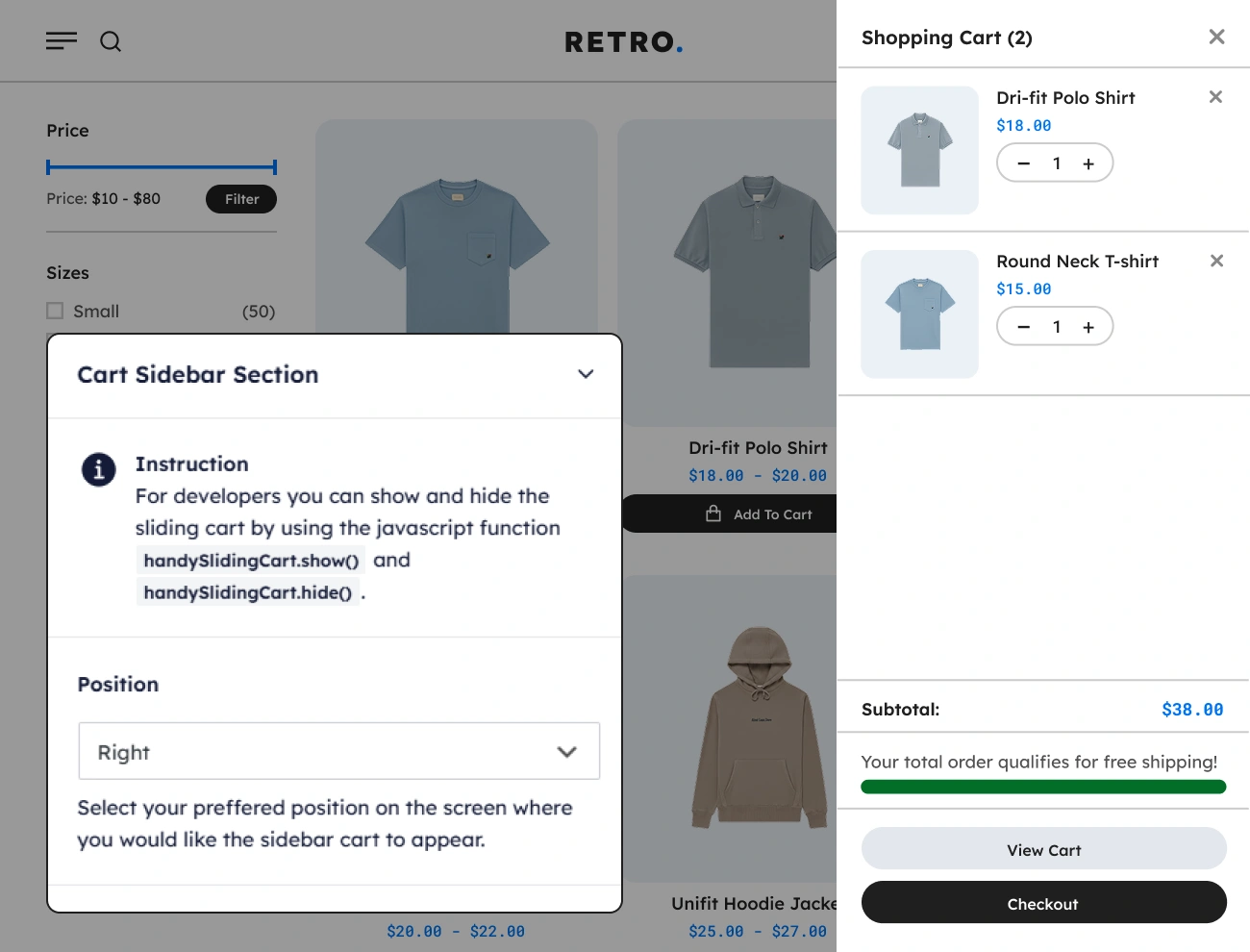
This plugin comes with a feature that allows you to change the position where the Sidebar Cart will slide in. There are 2 different positions you can pick: the right and left positions. This option will help you position the Sidebar Cart based on your preference or the website UI needed.

Handy Sliding Cart For WooCommerce Customizable Sidebar Cart Slide Duration

Customizable Sidebar Cart Slide Duration

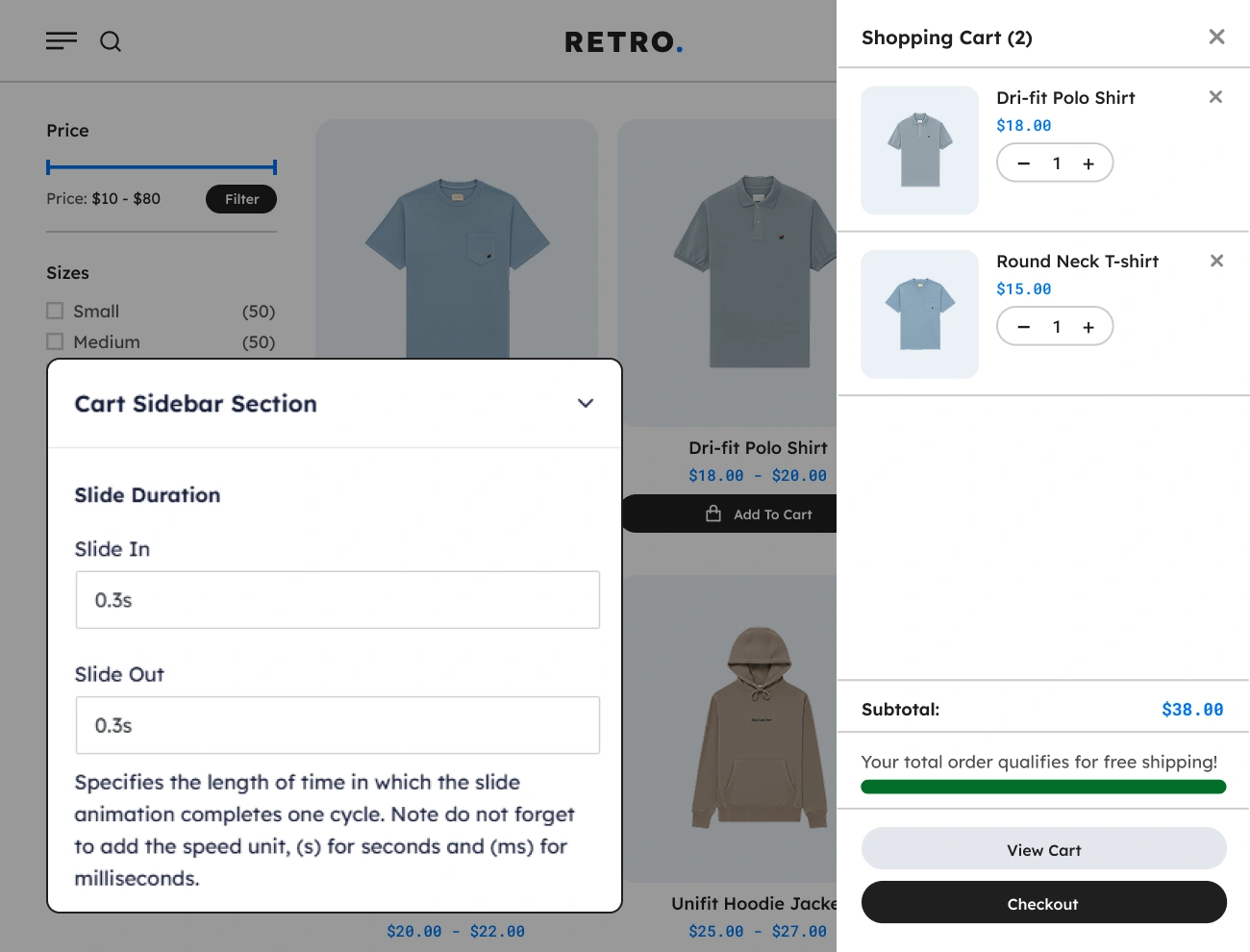
This plugin also allows you to control or set the slide-in and slide-out animation durations. This will allow you to specify the length of time in which the slide animation completes one cycle. Having this option will give the website visitors a better user experience. Note: Do not forget to add the speed unit (s) for seconds and (ms) for milliseconds.

Handy Sliding Cart For WooCommerce Customizable Sidebar Cart Style

Customizable Sidebar Cart Style

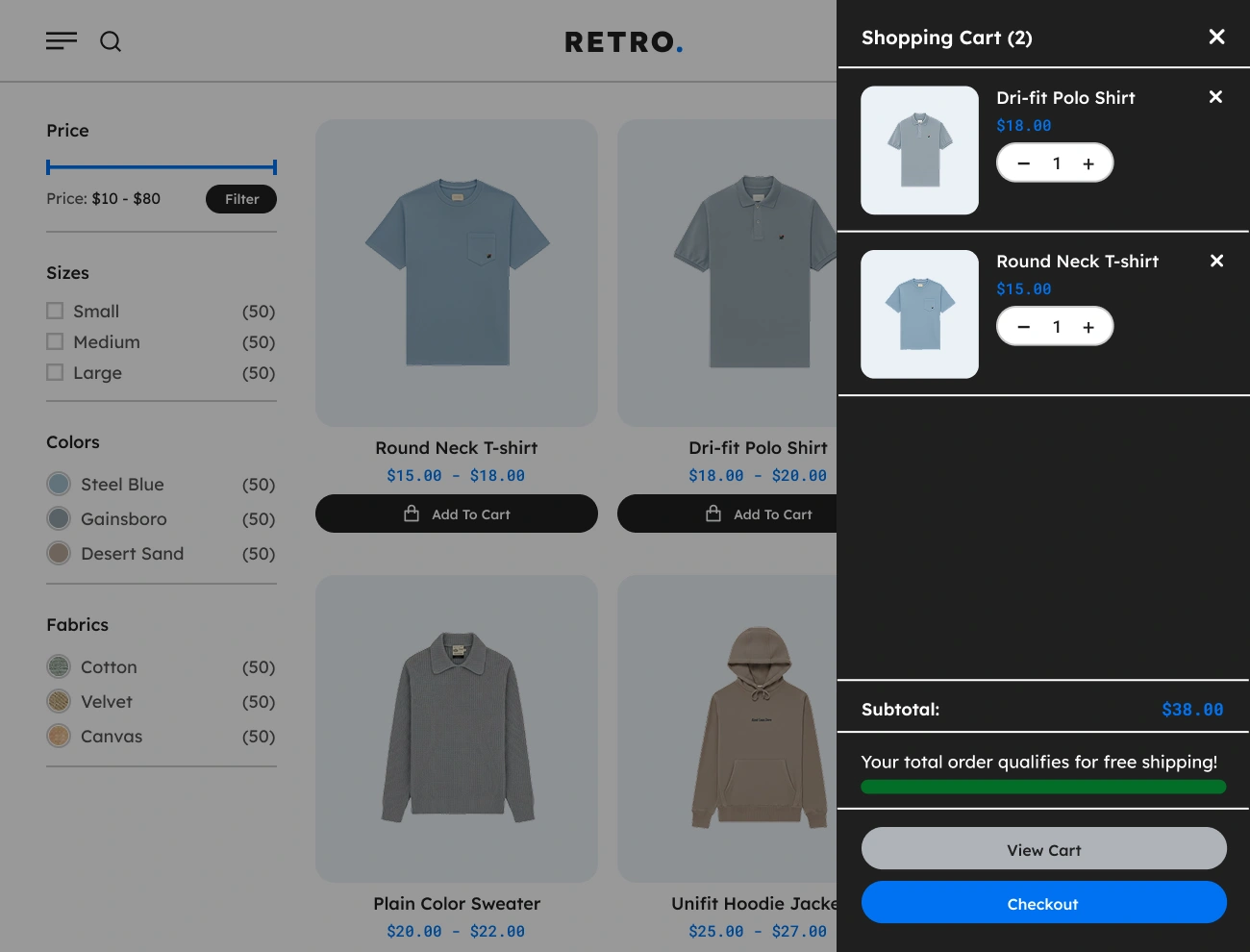
This plugin comes with a feature that allows you to fully customize the appearance or style of the Sidebar Cart. This will give you a chance to fully design the appearance of the Sidebar Cart, including the width, height, padding, font, text color, background color, border, etc. This option will help you align the appearance of the Sidebar Cart with your website’s looks.

Handy Sliding Cart For WooCommerce Supports Cart Menu

Supports Cart Menu

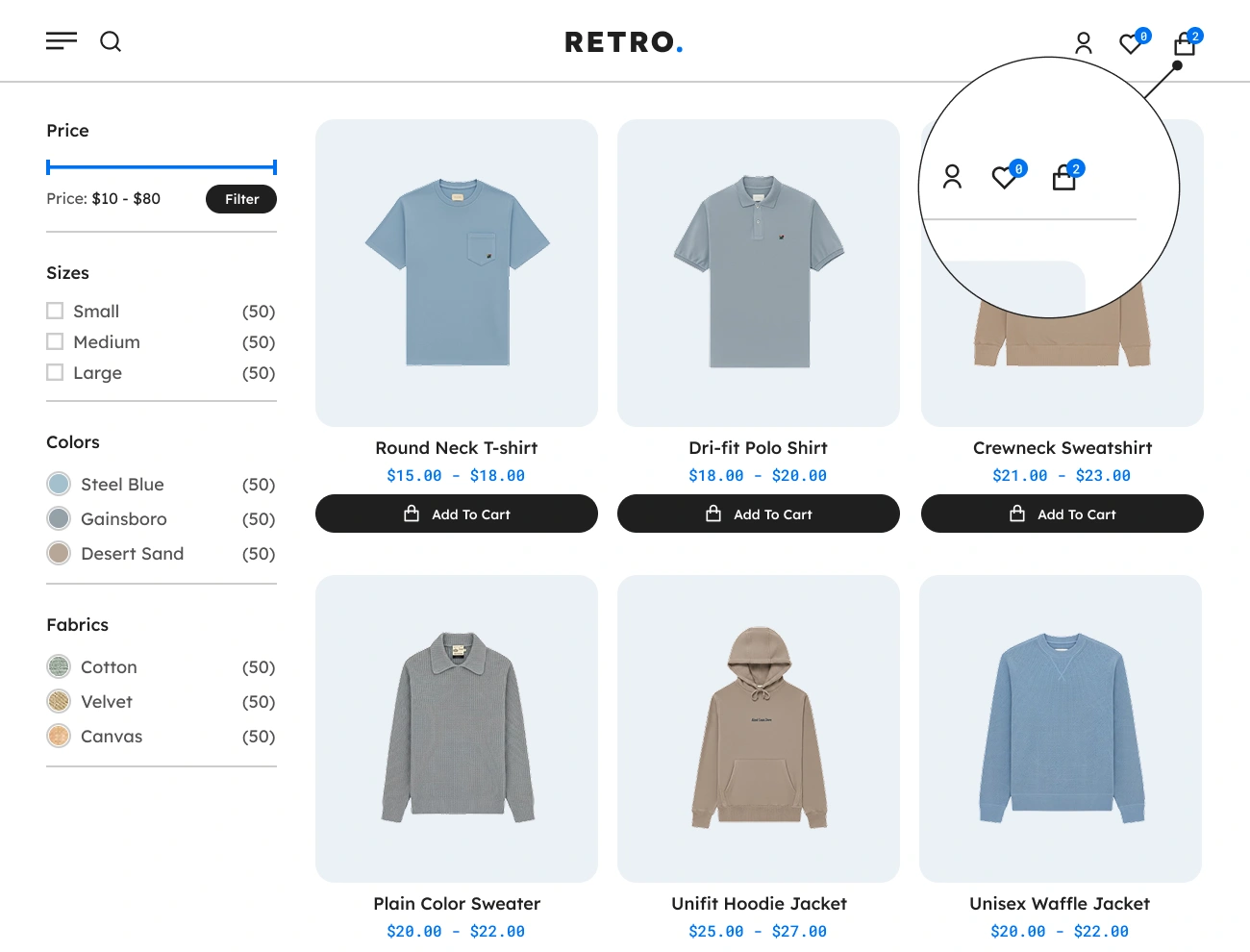
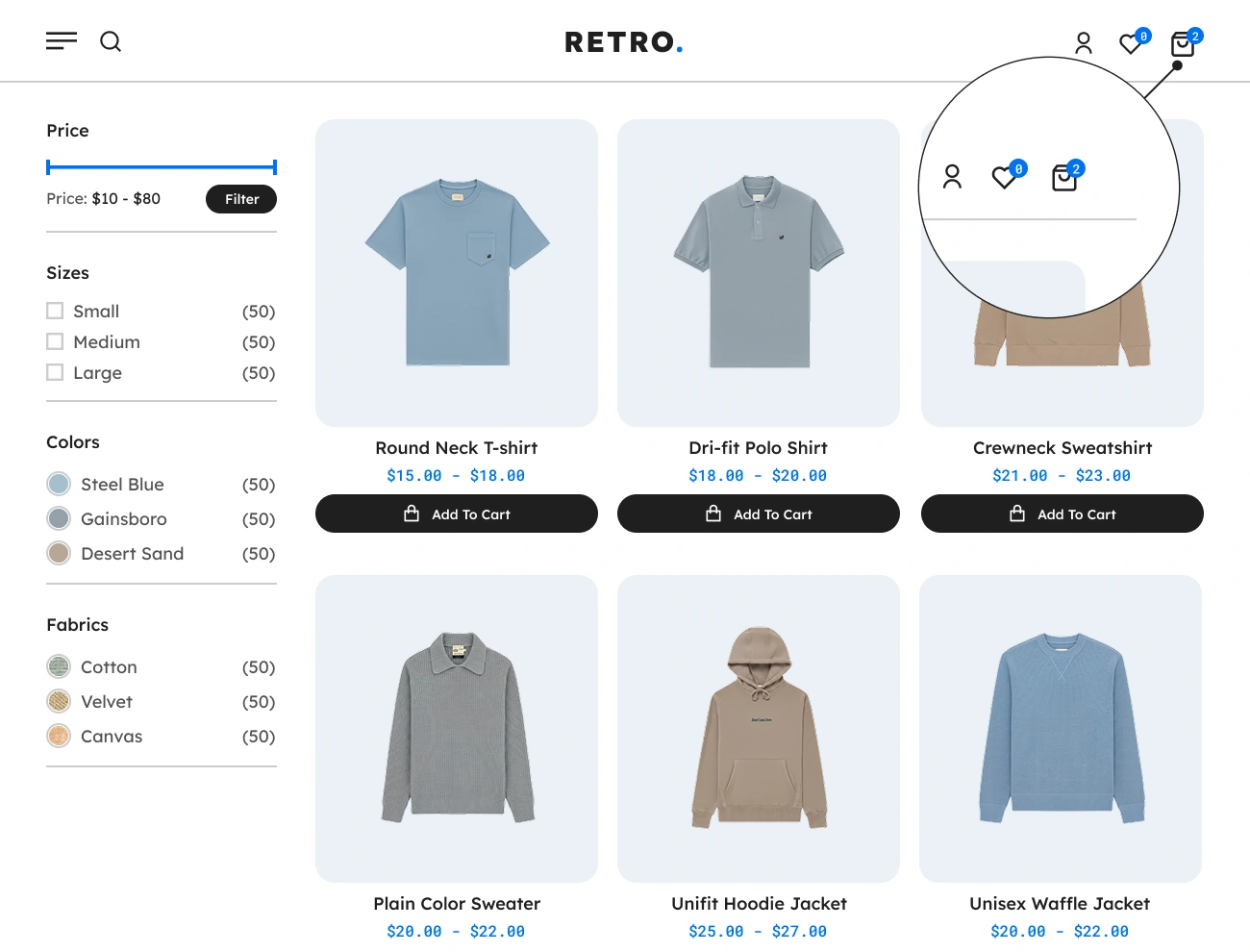
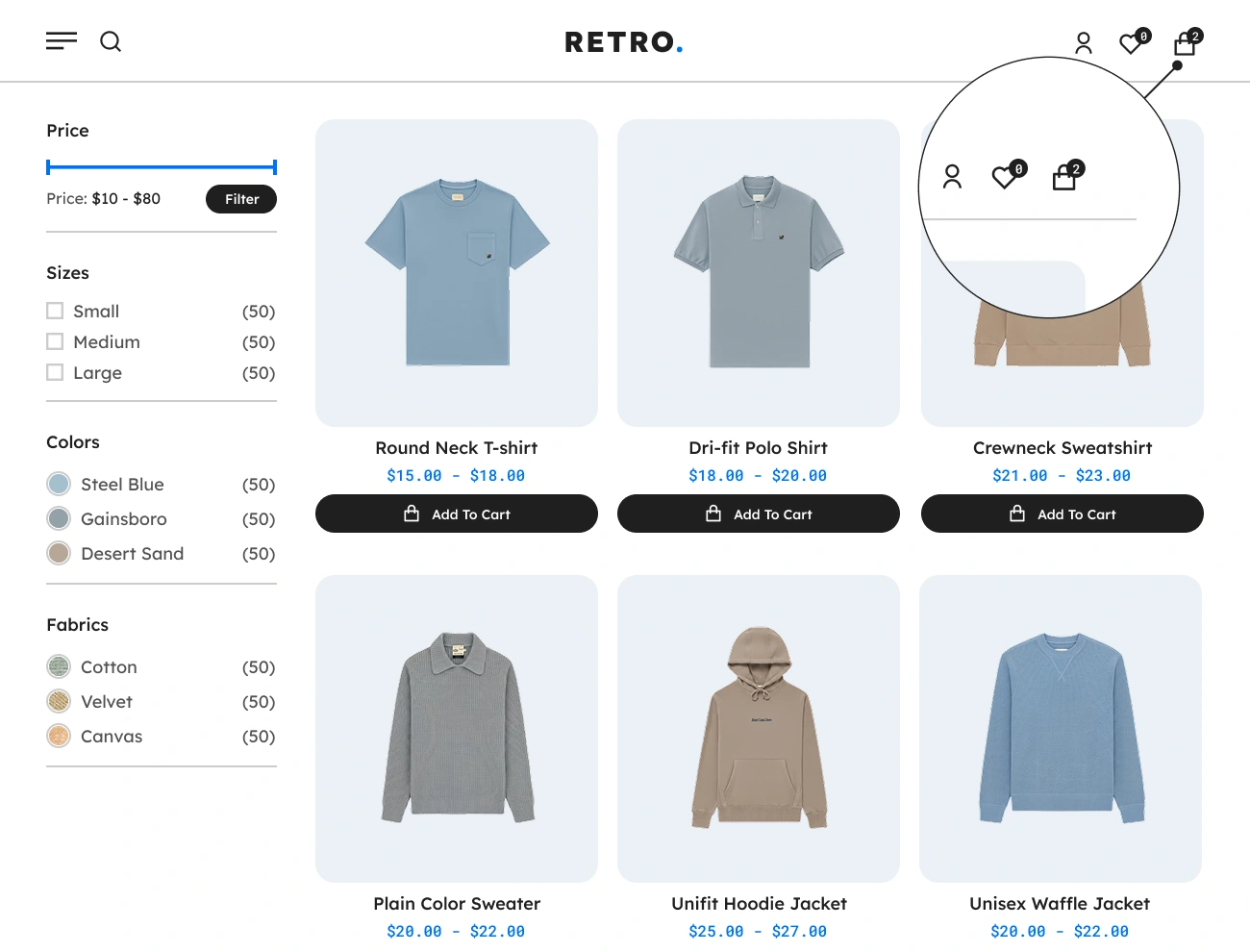
One of the helpful components of Handy Sliding Cart for WooCommerce that is being provided is the Cart Menu. This component will display a cart icon with the total count of products on the website visitors’s cart. When the Cart Menu is clicked, it will show or slide-in the Sidebar Cart. In order to use this, you just need to use the [handy-cart-menu] shortcode.

Handy Sliding Cart For WooCommerce Customizable Cart Menu Icon

Customizable Cart Menu Icon

This plugin also allows you to customize or select an icon to be displayed in the Cart Menu from a defined set of icons. This will allow you to enhance the appearance of the Cart Menu based on your preferences. This option will help your website visitors easily point out or recognize the Cart Menu.

Handy Sliding Cart For WooCommerce Customizable Cart Menu Style

Customizable Cart Menu Style

This plugin comes with a feature that allows you to fully customize the appearance or style of the Cart Menu. This will give you a chance to fully design the appearance of the Cart Menu, including the width, height, padding, font, text color, background color, border, radius, etc. This option will help you align the appearance of the Cart Menu with your website’s looks.

Handy Sliding Cart For WooCommerce Supports Floating Cart Menu

Supports Floating Cart Menu

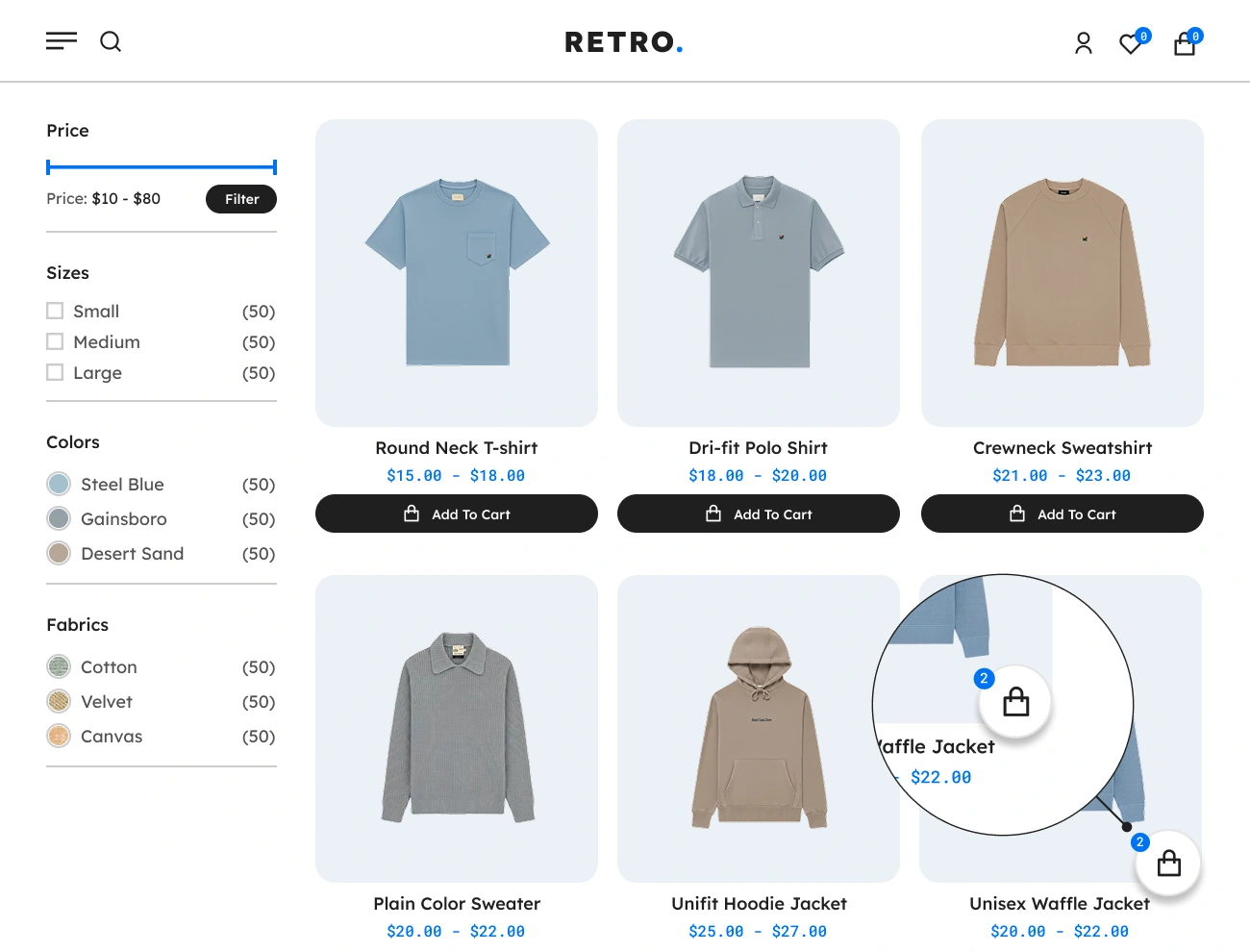
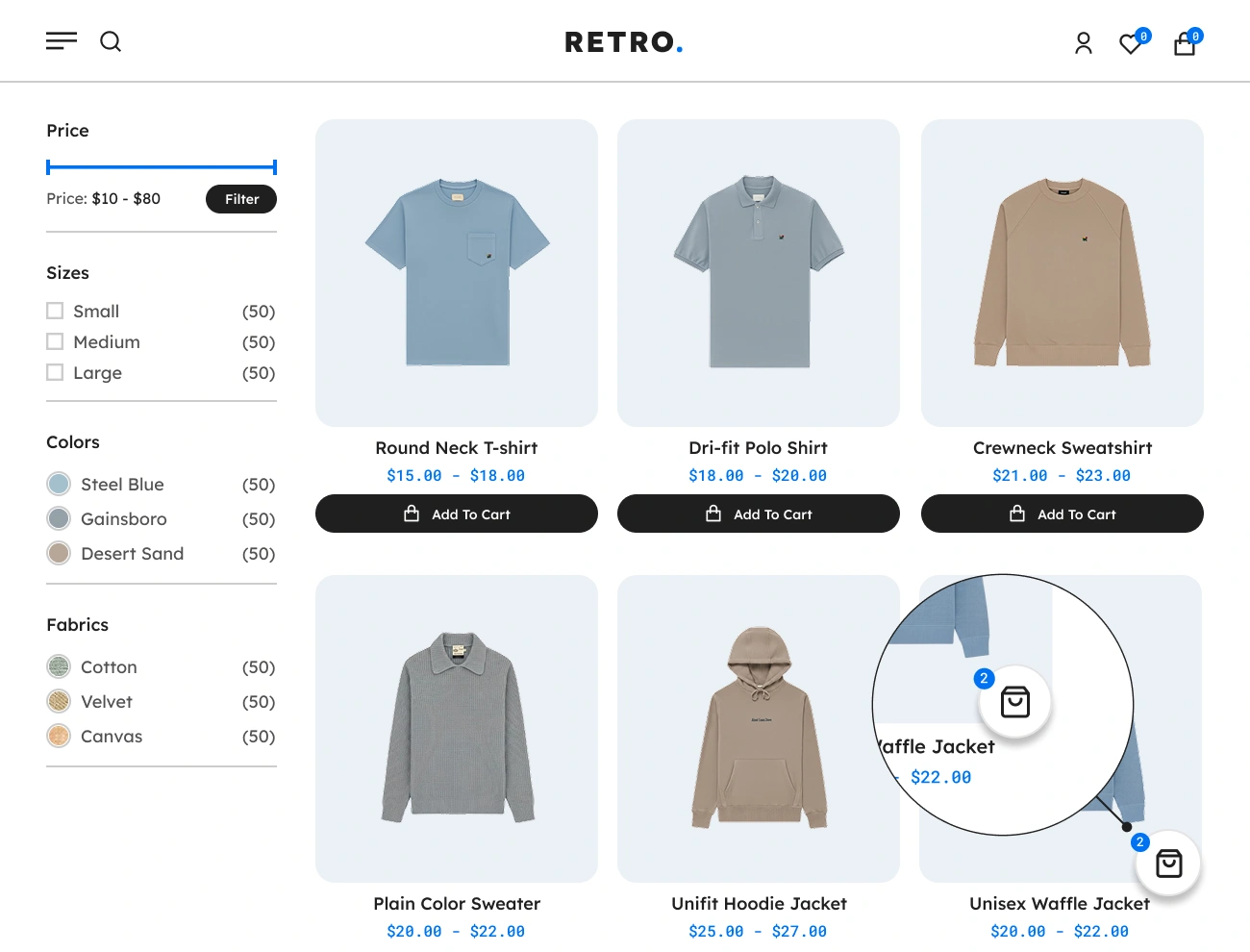
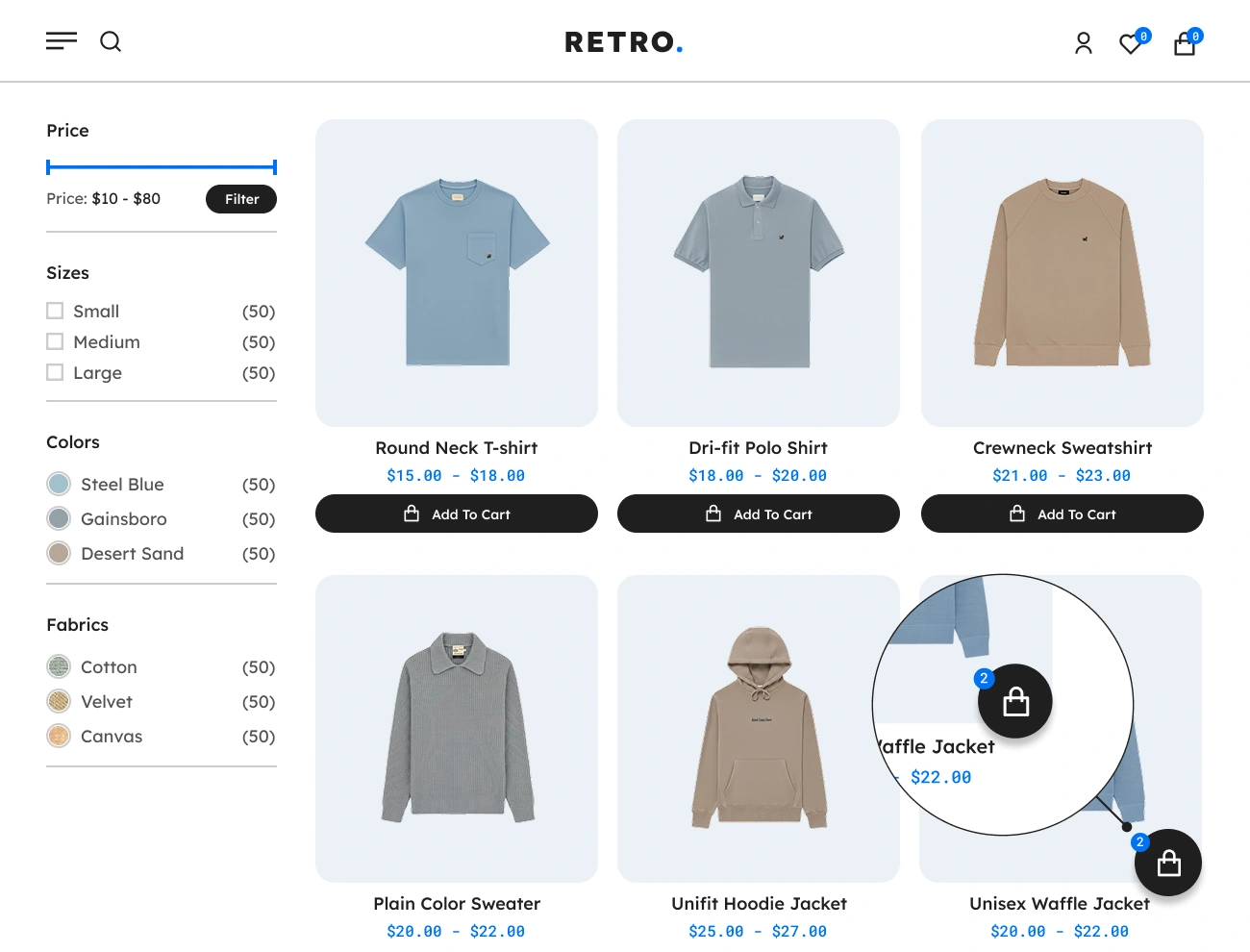
The Floating Cart Menu is one of the useful components of using Handy Sliding Cart for WooCommerce. This will display a floating basket showing the number of total products in the website visitor’s cart. The same as the Cart Menu, the Floating Cart Menu will also show or slide in the Sidebar Cart when it is clicked.

Handy Sliding Cart For WooCommerce Customizable Floating Cart Menu Icon

Customizable Floating Cart Menu Icon

This plugin comes with a feature that allows you to customize or select an icon to be displayed in the Floating Cart Menu from a defined set of icons. This will allow you to enhance the appearance of the Floating Cart Menu based on your preferences. This option will help your website visitors easily point out or recognize the Floating Cart Menu.

Handy Sliding Cart For WooCommerce Customizable Floating Cart Menu Style

Customizable Floating Cart Menu Style

This plugin also allows you to fully customize the appearance or style of the Floating Cart Menu. This will give you a chance to fully design the appearance of the Floating Cart Menu, including the width, height, padding, font, text color, background color, border, radius, etc. This option will help you align the appearance of the Floating Cart Menu with your website’s looks.

Handy Sliding Cart For WooCommerce Customizable Floating Cart Menu Position

Customizable Floating Cart Menu Position

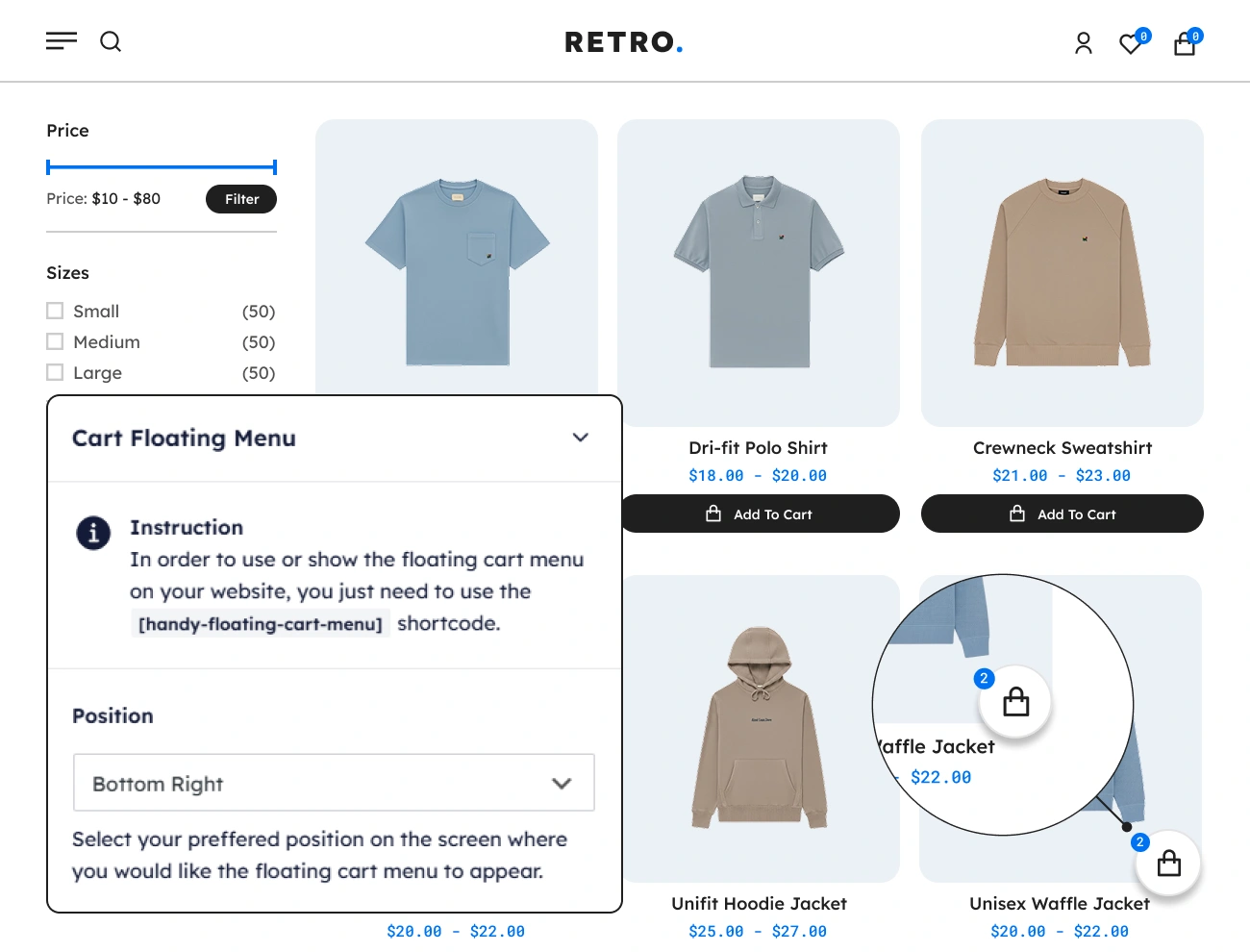
This plugin comes with a feature that allows you to change the position of the Floating Cart Menu on your website. There are 4 different positions you can pick: top-left, top-right, bottom-left, and bottom-right. This option will help you position the Floating Cart Menu based on your preference.

Handy Sliding Cart For WooCommerce Supports Cart Empty Placeholder

Supports Cart Empty Placeholder

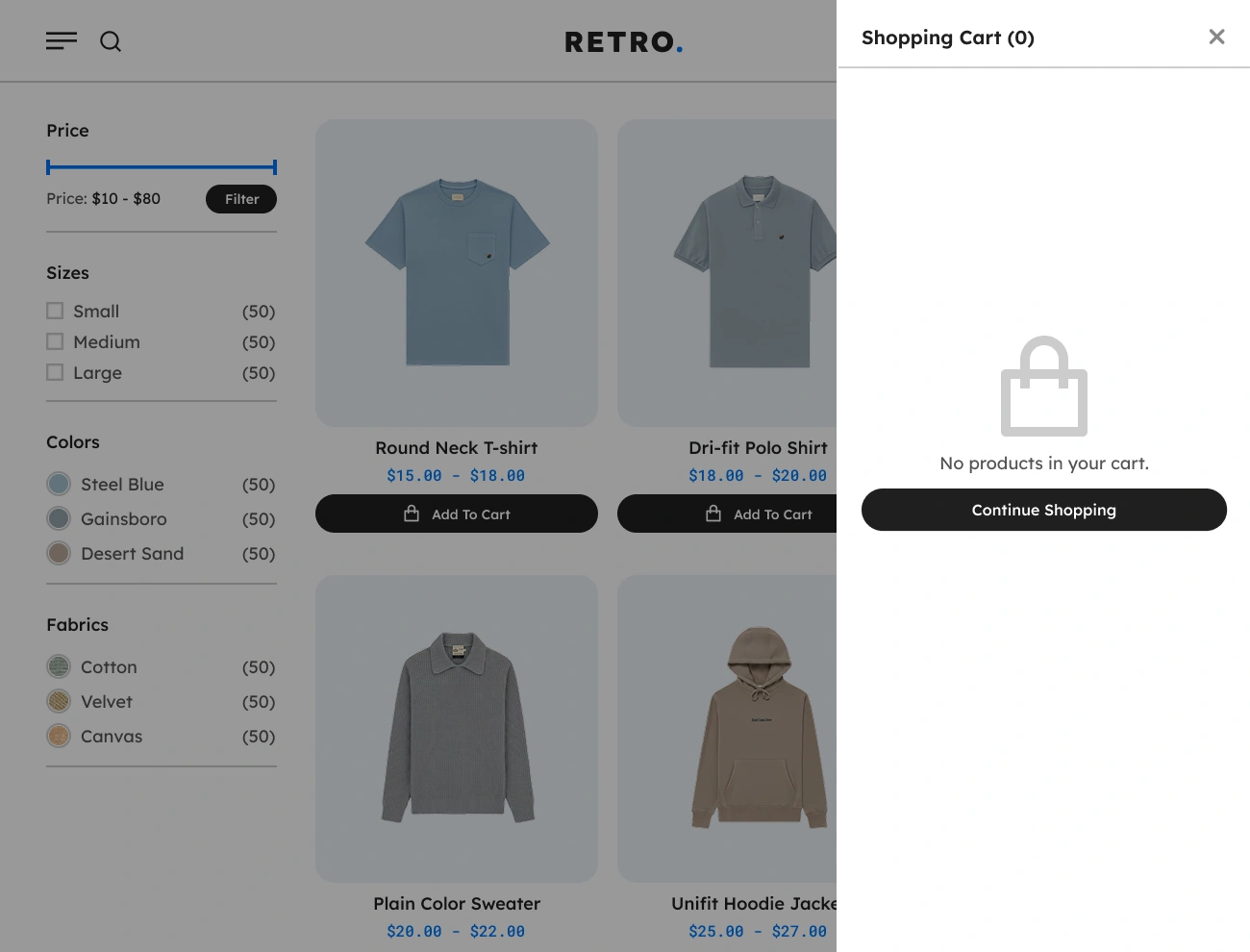
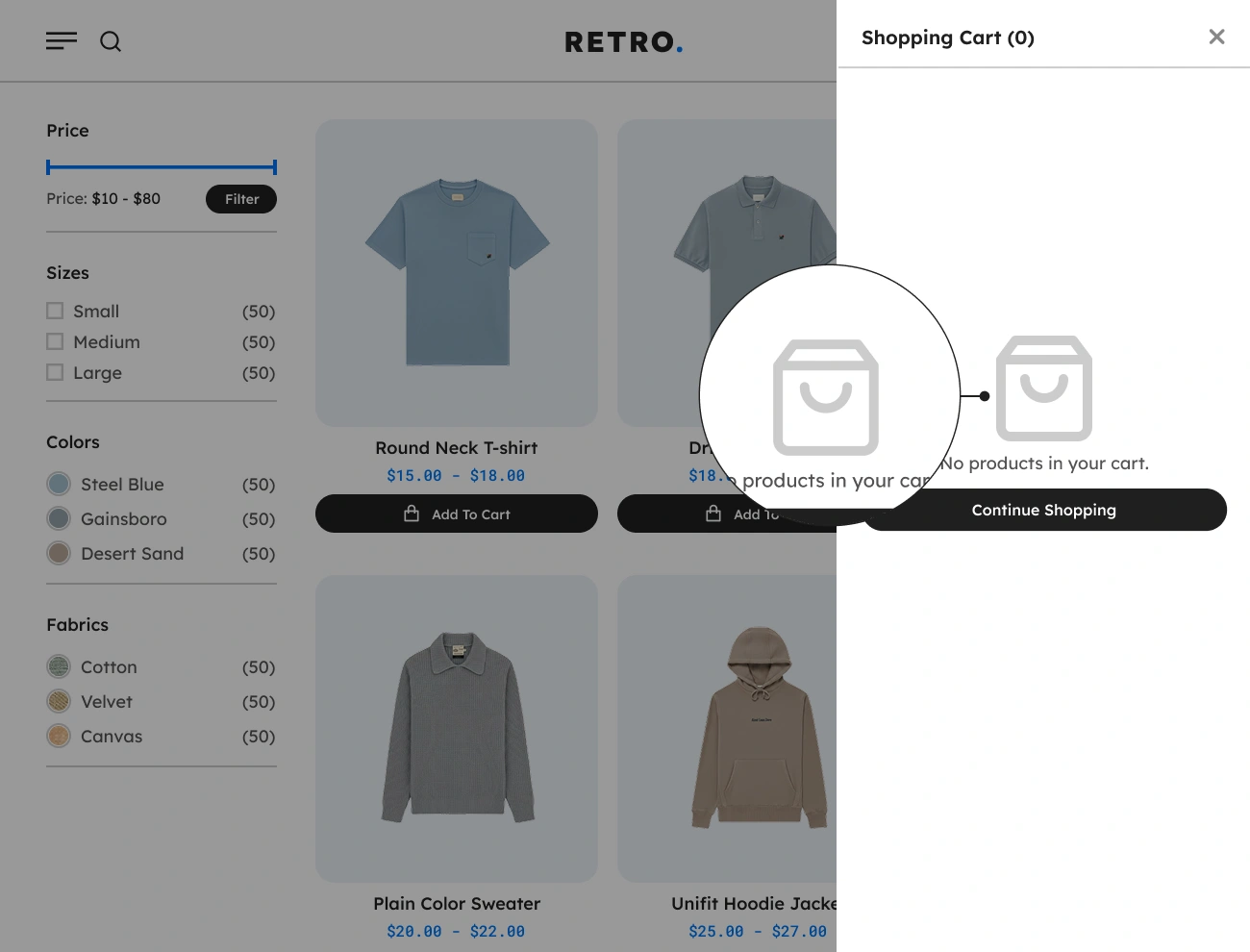
The Cart Empty Placeholder is one of the components of the Handy Sliding Cart for WooCommerce. This will allow you to display a placeholder or message in the Sidebar Cart when it is empty. Having this feature will help website visitors or customers indicate if their cart is empty.

Handy Sliding Cart For WooCommerce Customizable Cart Empty Placeholder Message

Customizable Cart Empty Placeholder Message

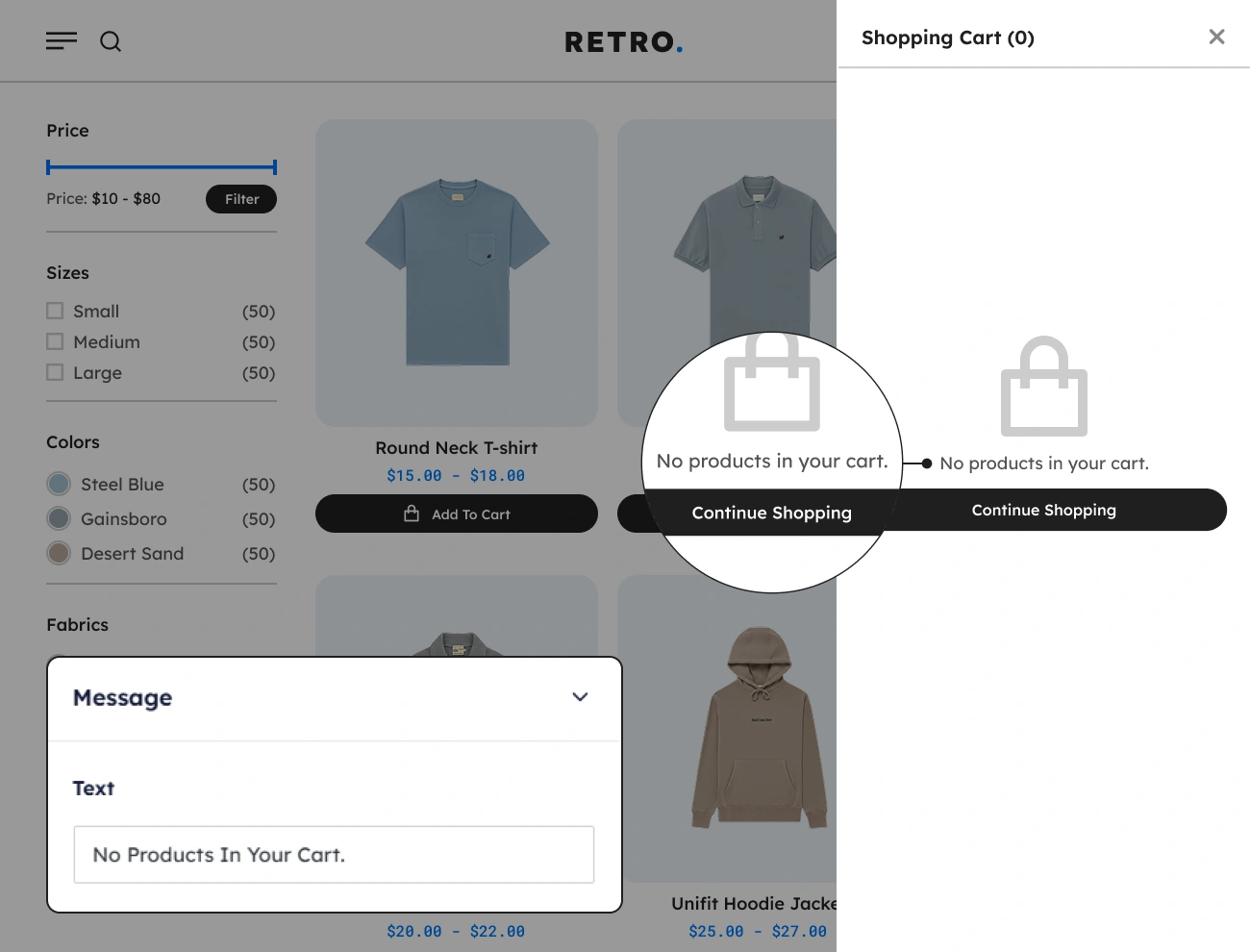
This plugin comes with a feature that allows you to customize or modify the Cart Empty Placeholder’s message or content. This will allow you to write a perfect message or convince website visitors or customers to add a product to their cart. Having this feature will improve the user experience of your website visitors.

Handy Sliding Cart For WooCommerce Customizable Cart Empty Placeholder Icon

Customizable Cart Empty Placeholder Icon

This plugin also allows you to customize or select an icon to be displayed in the Cart Empty Placeholder from a defined set of icons. This will allow you to enhance the appearance of the Cart Empty Placeholder based on your preferences. This option will help your website visitors easily point out or recognize the Cart Empty Placeholder.